

Quick answer
QGlide Shared Rides matches passengers travelling along genuinely overlapping routes so they can share a vehicle and pay a lighter fare. The service includes driver verification, live tracking and short, predictable route detours.

Shared Rides
The same route, a lighter fare
QGlide Shared Rides matches you with other riders heading the same way, so everyone pays less for a trip that is only a few minutes longer.
How shared rides help
Lower cost per trip
Splitting a ride with fellow passengers means a noticeably lighter fare than a private trip.
Smart route matching
QGlide only matches riders whose routes genuinely overlap, keeping detours short.

The same safety standard
Every shared trip runs through the same driver verification and live tracking as any other QGlide ride.
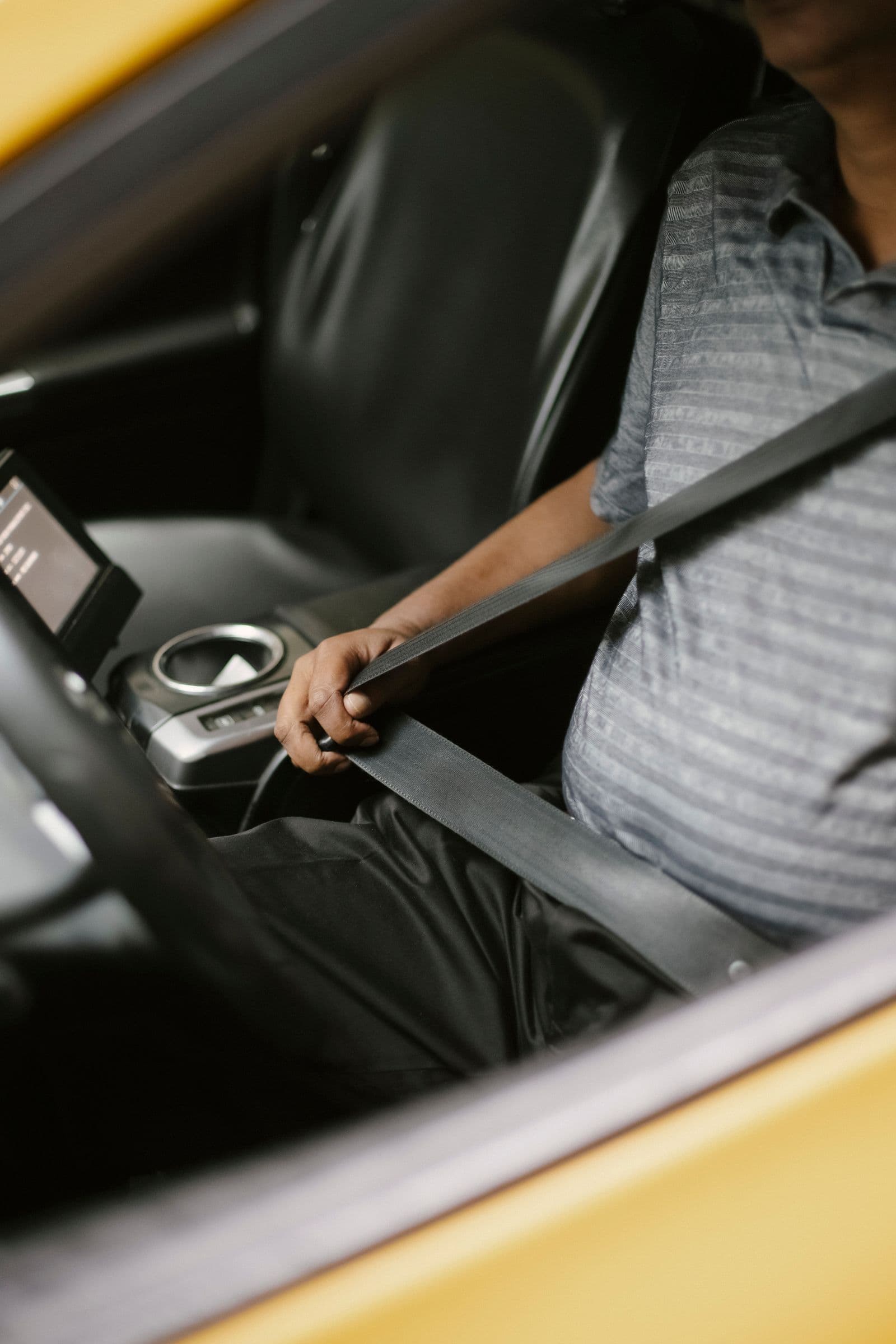
Built for daily commutes
A dependable, affordable option for the trips you take most often.

How a shared ride works
- 1
Request a shared ride
Set your destination and choose Shared Rides instead of a private trip.
- 2
Get matched along your route
QGlide looks for riders already travelling a genuinely overlapping path, not just a nearby one.
- 3
Pick up along the way
Your driver picks up or drops off matched riders with only a short, predictable detour.
- 4
Pay the shared fare
Everyone pays a lighter fare than they would for the same trip alone.
How matching works
Only routes that genuinely overlap get paired
QGlide's matching only pairs riders whose pickup and drop-off points sit close to the same path, so a shared trip rarely adds more than a few minutes over a private one. If no good match is available when you book, you are simply charged the shared-ride rate on a direct route instead of being kept waiting.
Built for the trips you take often
A lighter fare for your daily commute
Shared Rides is most useful for the trips you already make on repeat, the commute to work, the school run, the regular weekend visit, where a slightly longer ride for a meaningfully lighter fare is an easy trade.
Sharing a ride, not a risk
The same standard, with someone else on board
Every rider you are matched with goes through QGlide's account verification, and every trip, shared or private, runs through the same driver checks and live trip tracking. You can always see your co-rider's pickup and drop-off point on the map before the trip begins. See how we keep you safe
Share the ride, share the cost
Select Shared Rides in the QGlide app on your next trip across Qatar.
Drive when you want, earn on your terms
Turn your car into an income source across Qatar. Sign up in minutes and start accepting trips as soon as you're approved.
Frequently asked questions
The app only pairs riders whose routes overlap closely enough that the added detour stays short. If your trip is unusual or off the main matching corridors, you may not be matched with anyone and will simply ride the shared-fare route alone.
Typically only a few minutes longer than a direct trip, since QGlide only matches riders travelling a genuinely similar path rather than a merely nearby one.
QGlide matches a small number of riders per trip based on the vehicle's seating, so there is always room for everyone's booked seats and luggage.
Yes. Cancel the shared trip from the app before a match is confirmed and rebook as a Standard, Comfort or Family ride instead.